Manage Sessions
A "session" is created by the Tinker SDK each time a new ServiceClient is created. You should treat a single session as a logical unit of work, where all of the training runs in a given session are related in some way (e.g. multiple recipes that you want to compare).
Session Display Name
Use the display_name constructor parameter to set a display name for sessions in Tinker. This name is for display and search purposes only, and is not guaranteed to be unique.
The display name is then used as the "Session name" in the Sessions page, and defaults to the Session ID if no display name is provided.
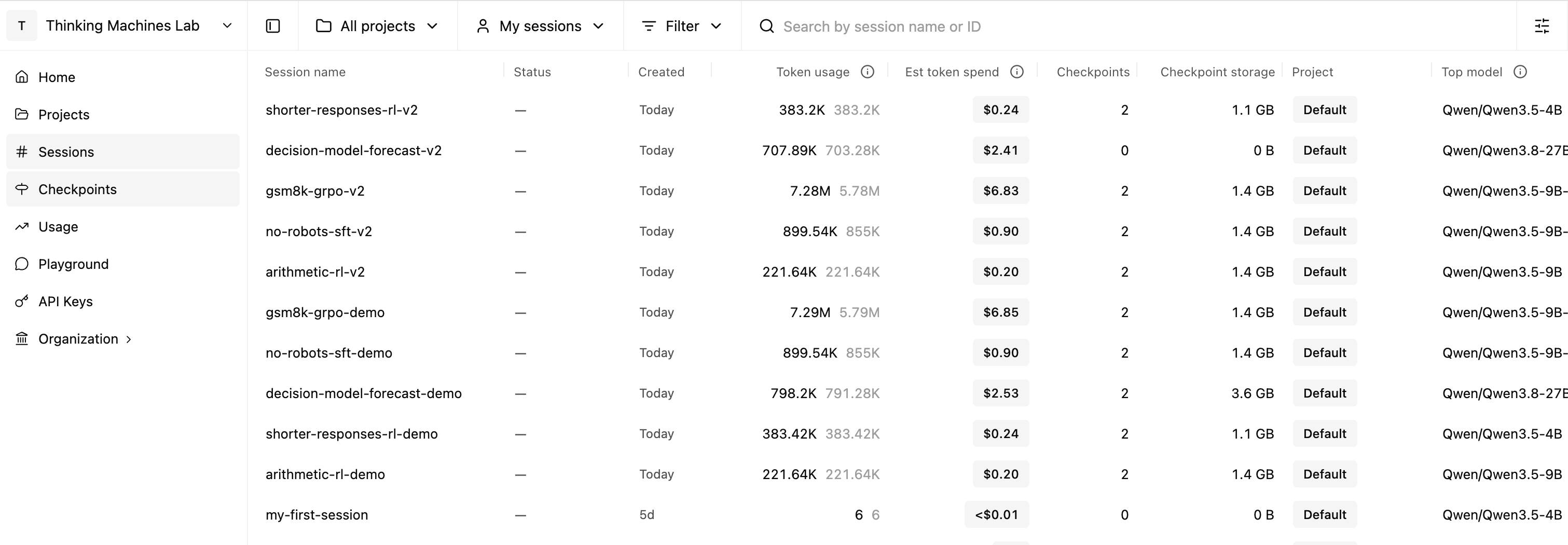
You can also find sessions by searching by display name or session ID using the search bar at the top of the page.
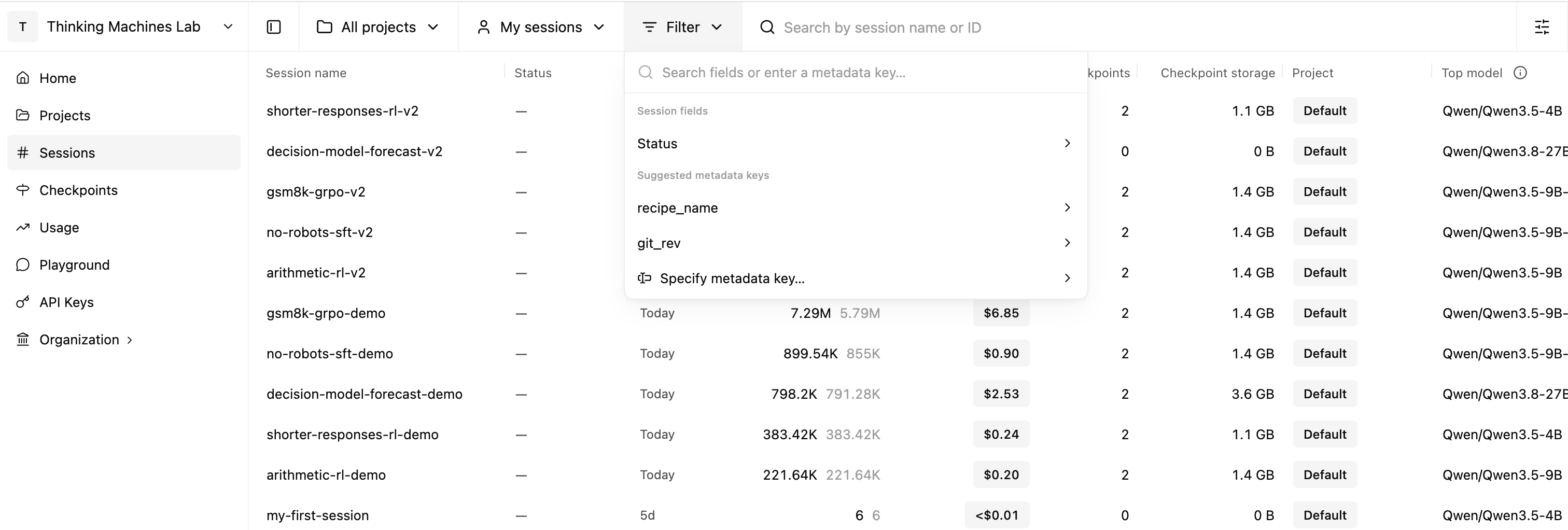
Session Filtering
The console also supports filtering by:
- Project
- Session status
- User metadata (see User Metadata for more details)